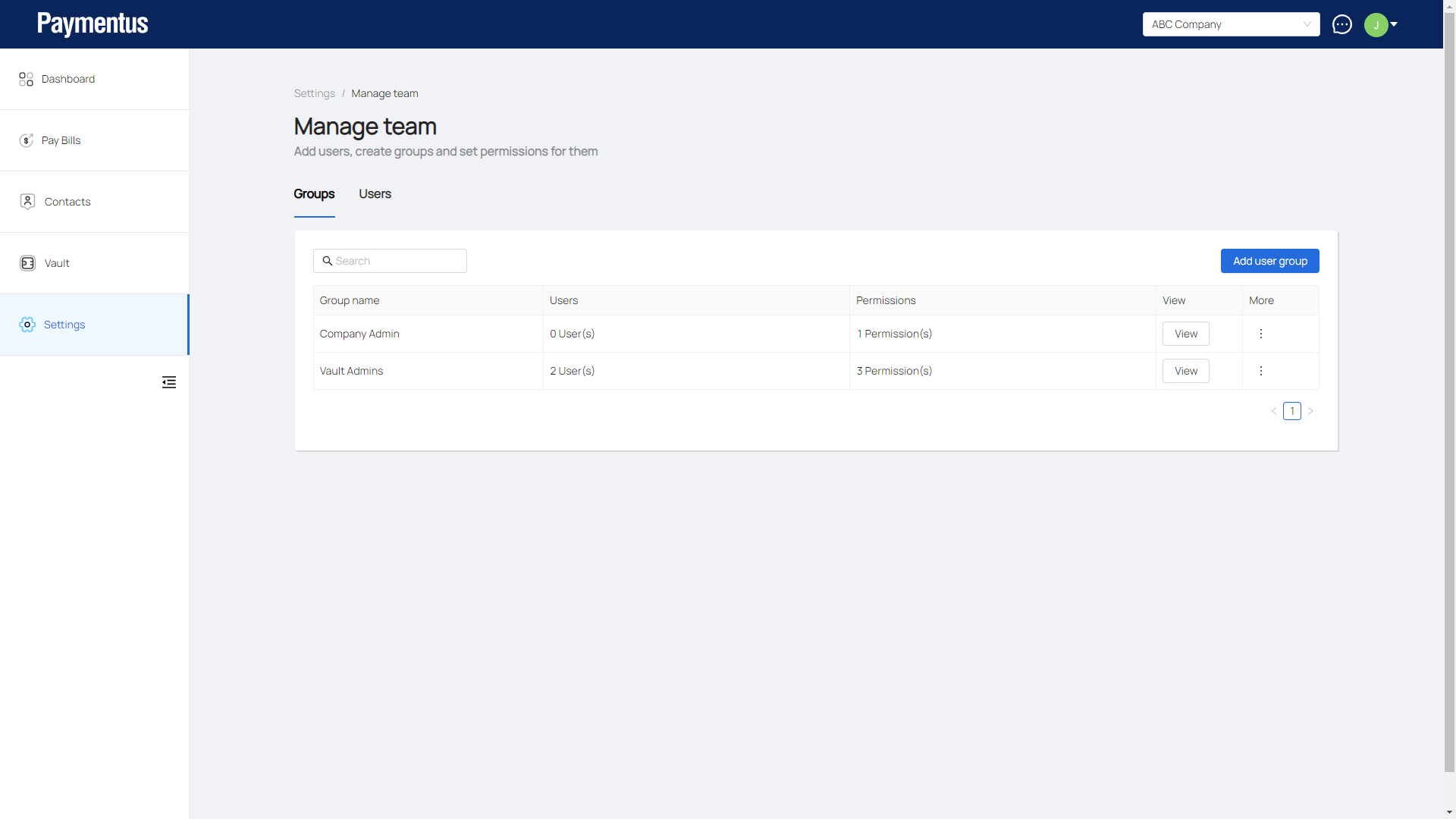
How do I add a group?
- Click on Settings.
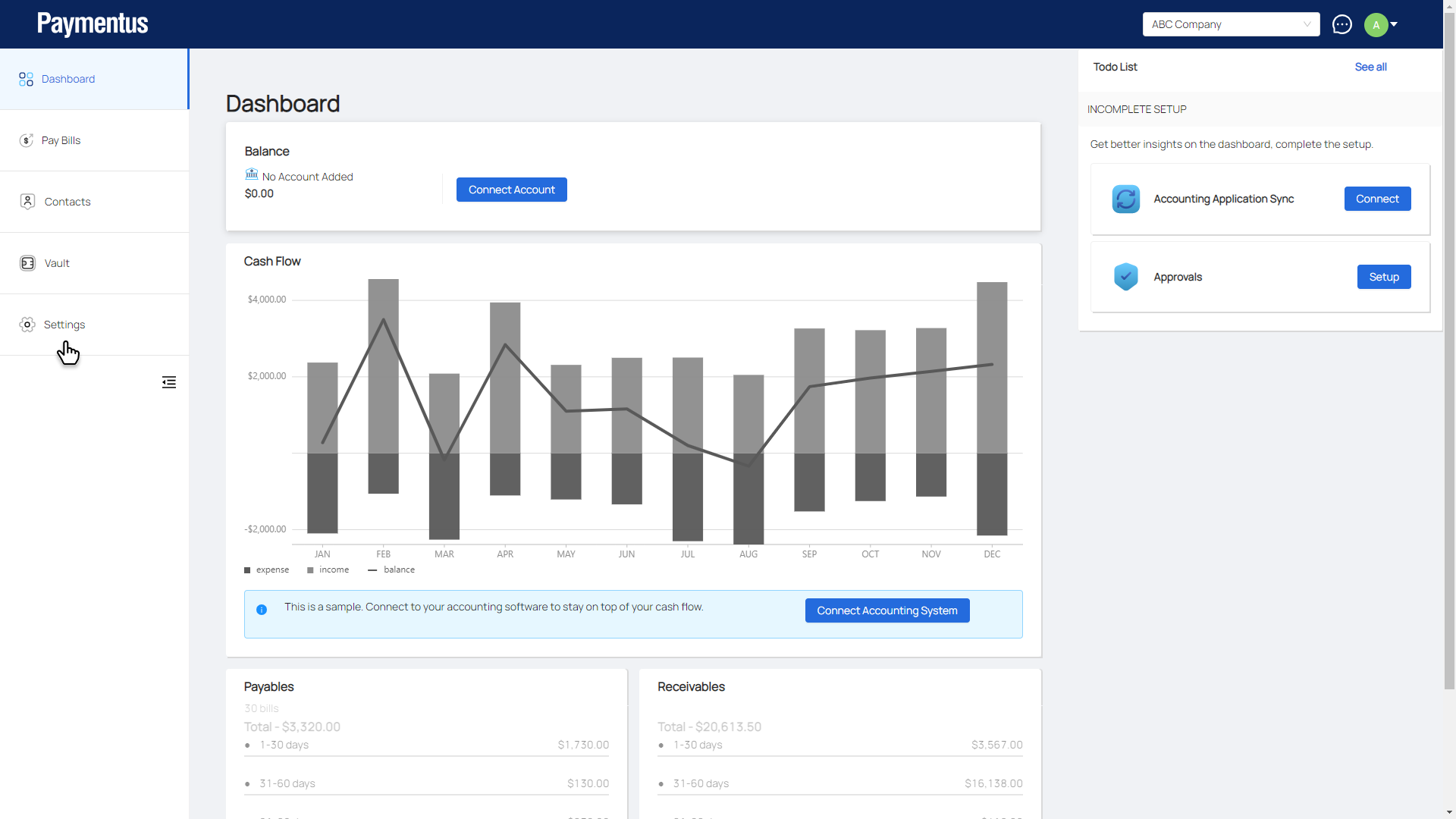
- Click on Manage Team.
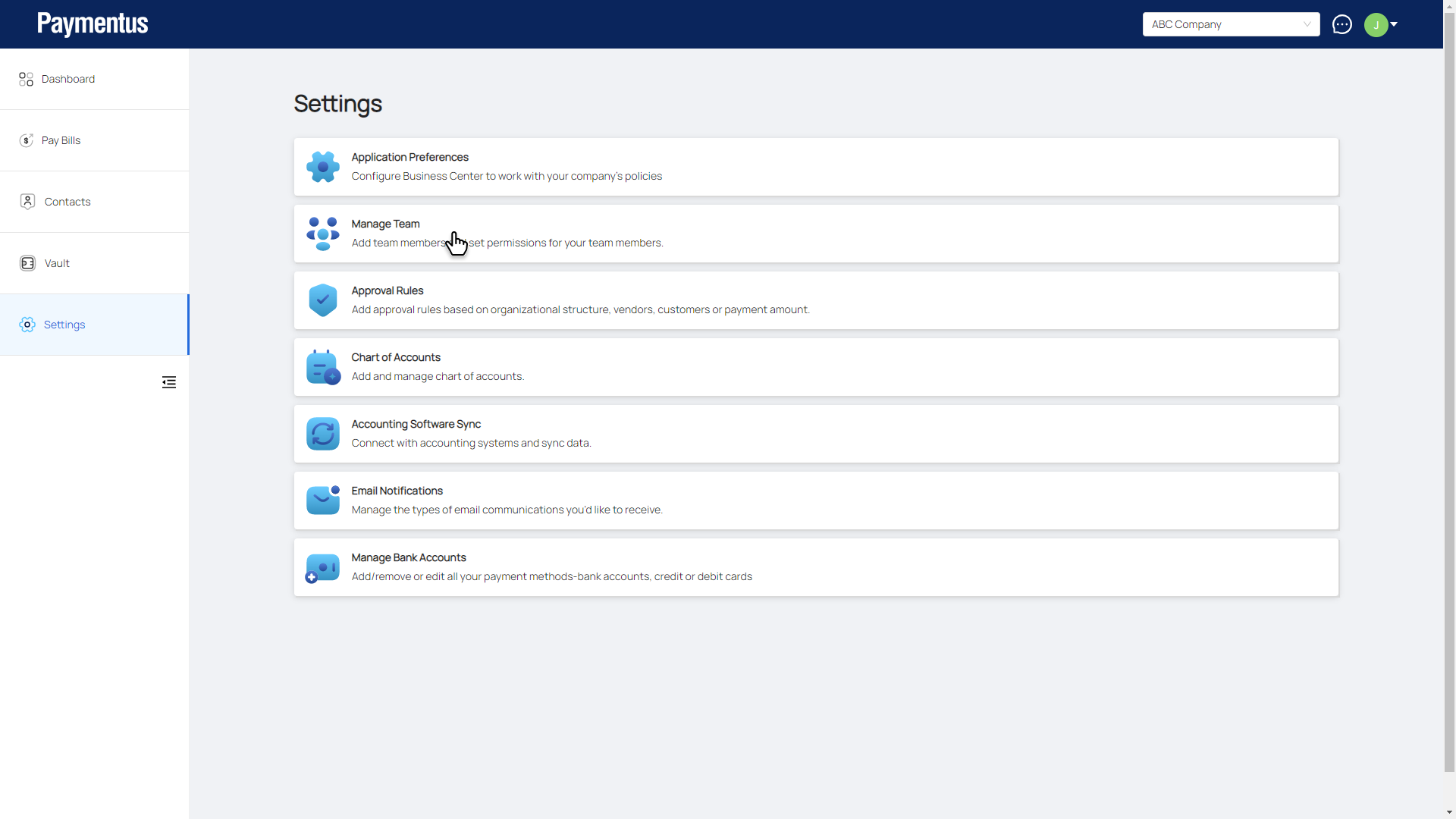
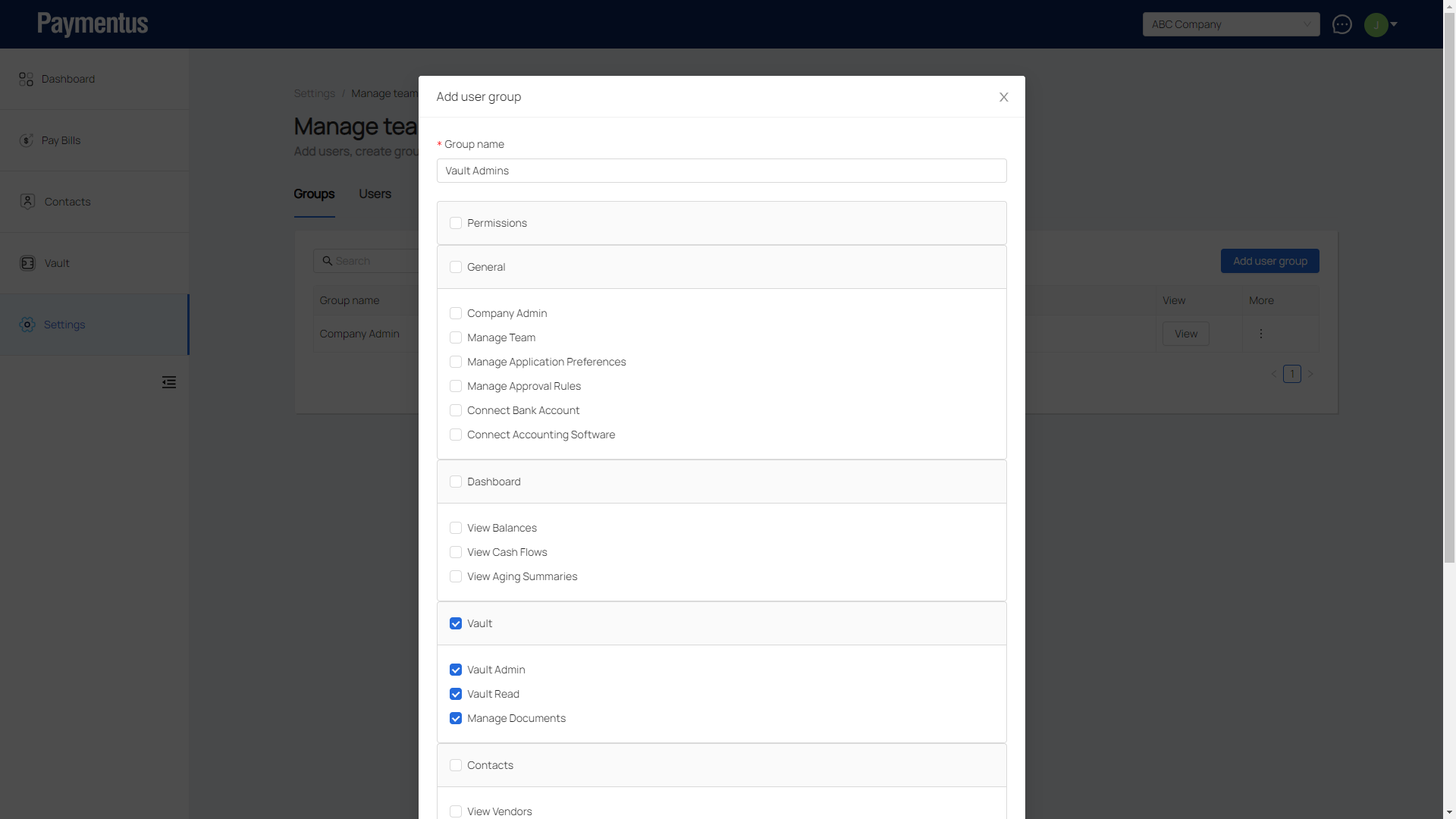
- Click on Add user group.
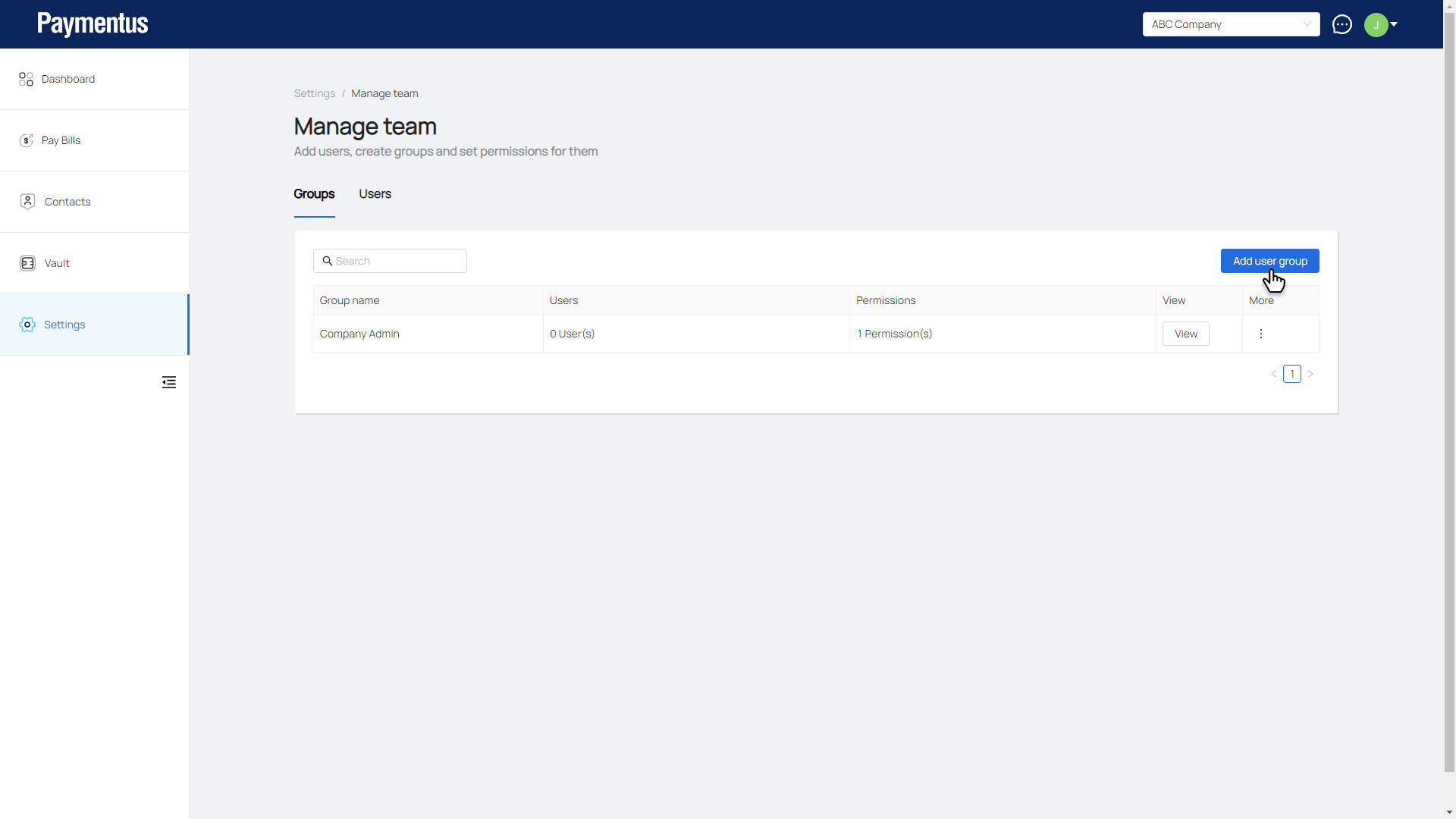
- Enter the name of this group and select the permissions it will have.
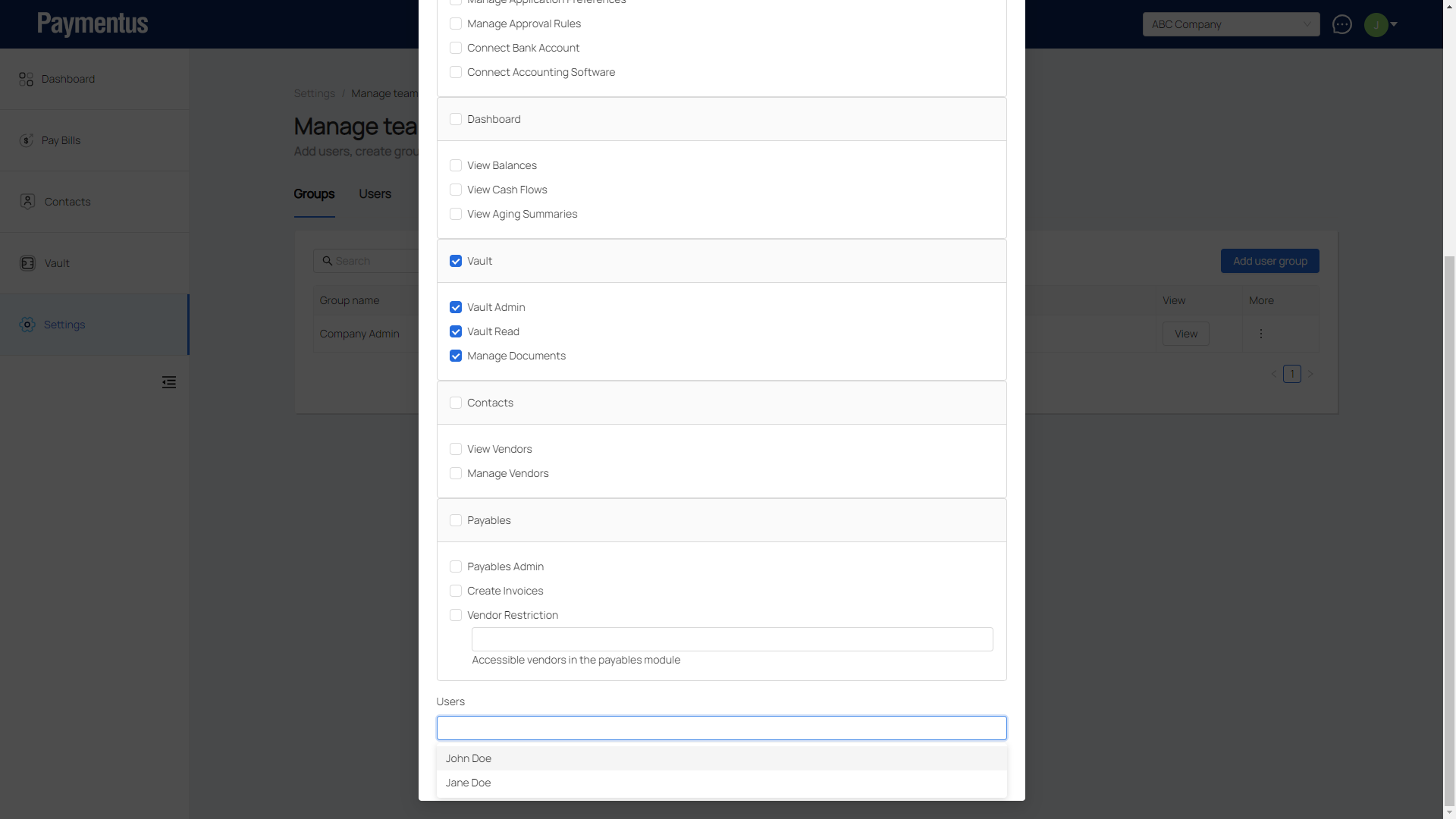
- Select the user(s) to be added to this group.
- Click Add.
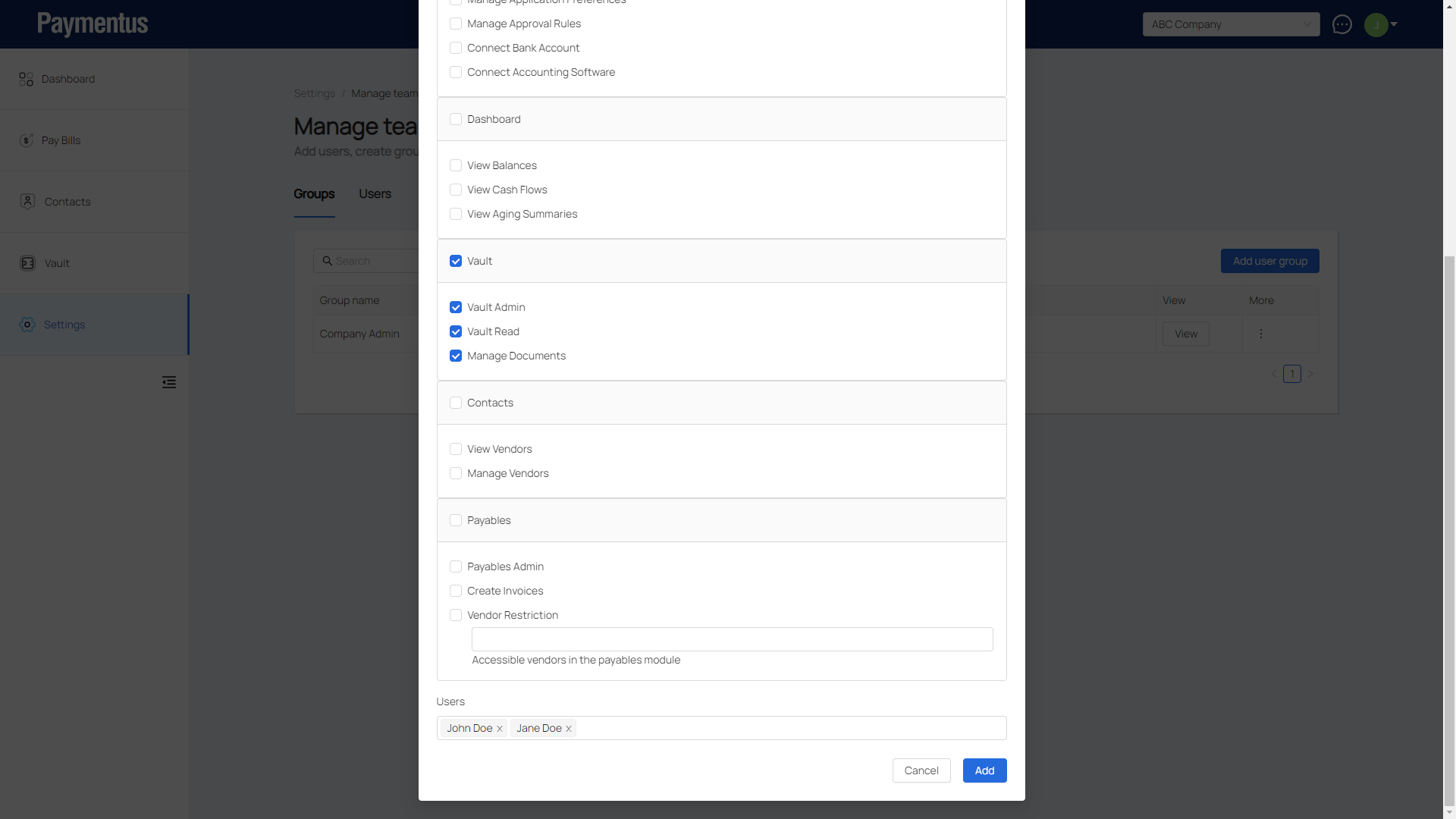
- Group is added.