How do I add a user?
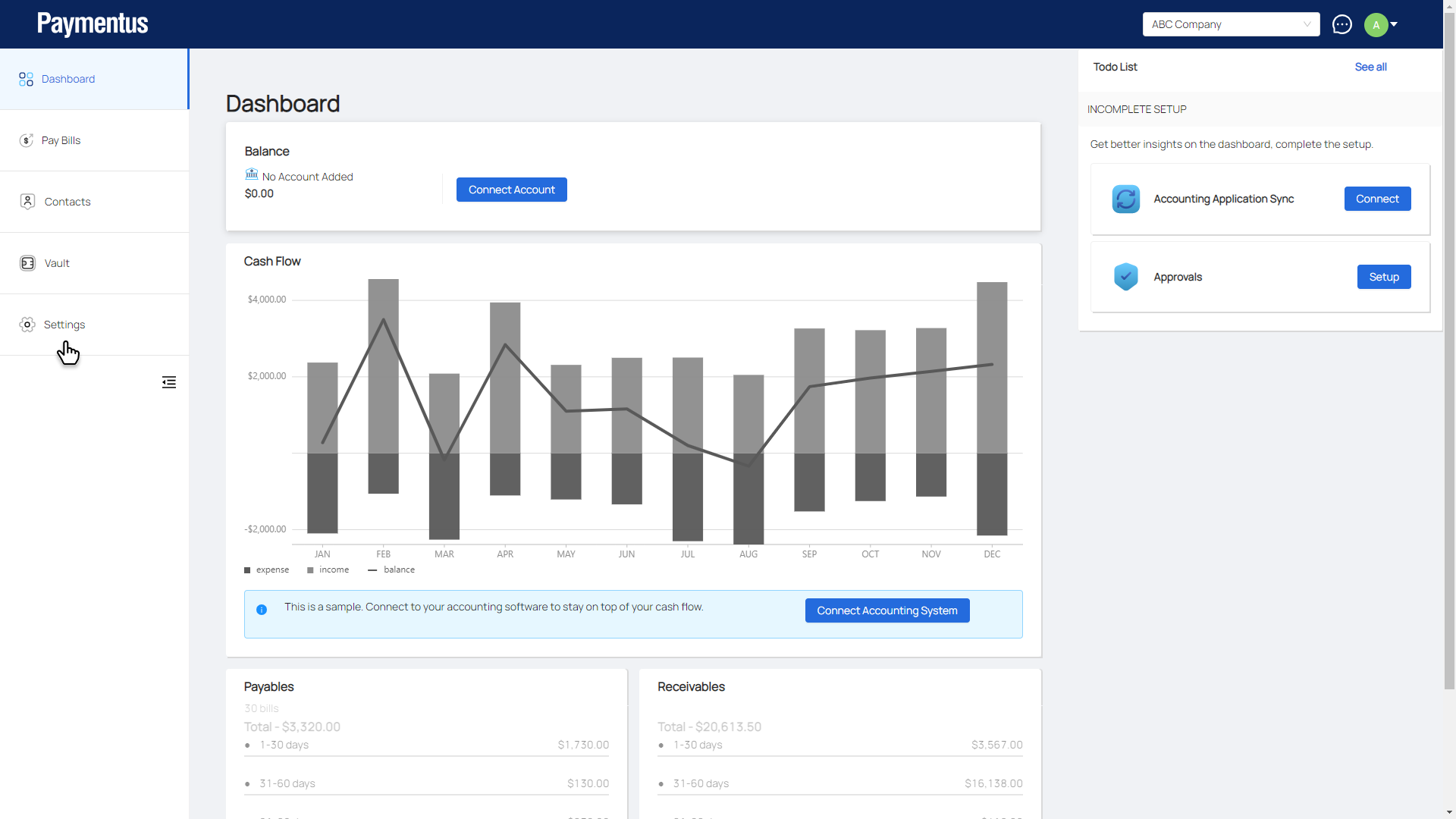
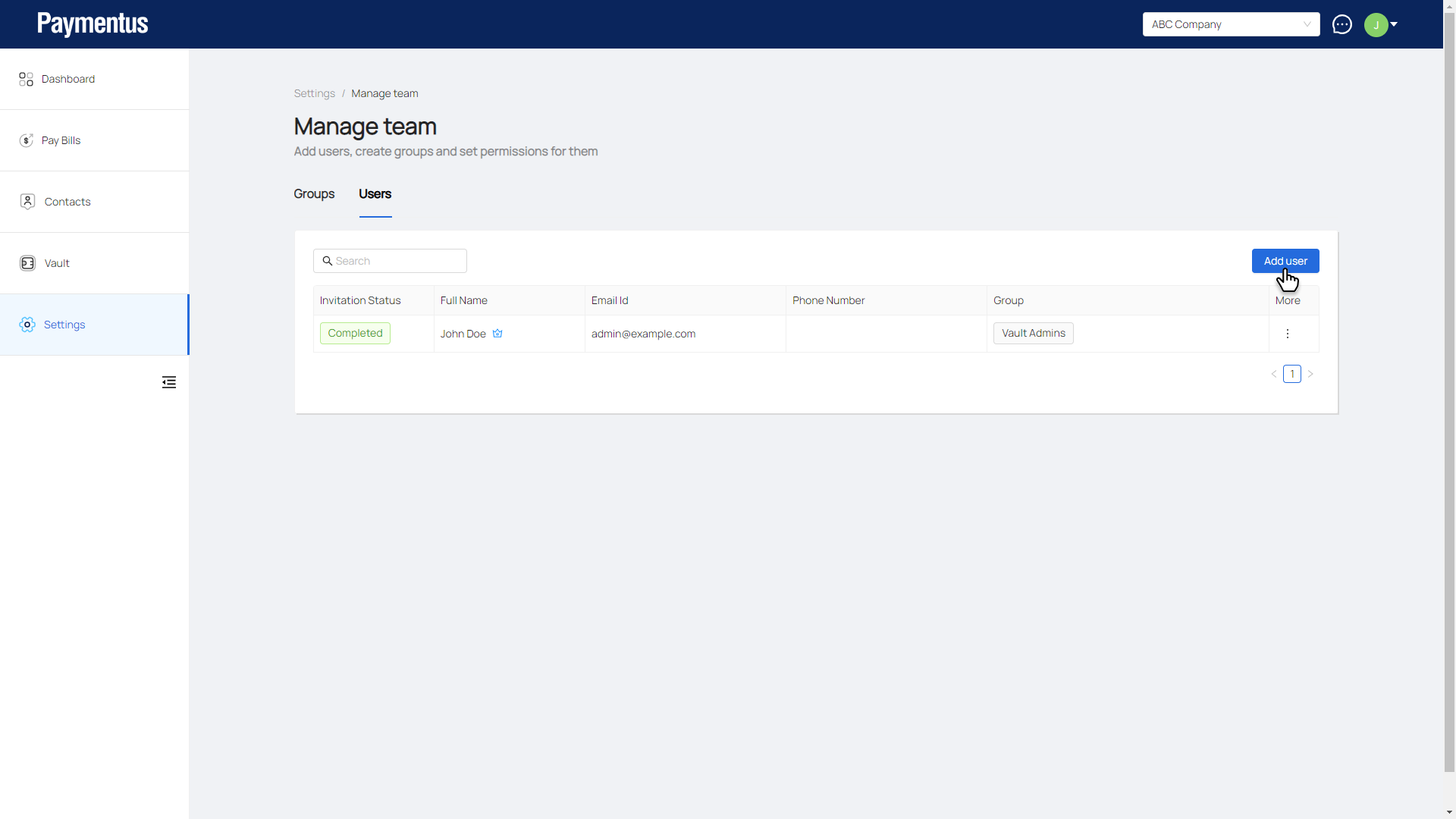
- Click on Settings.
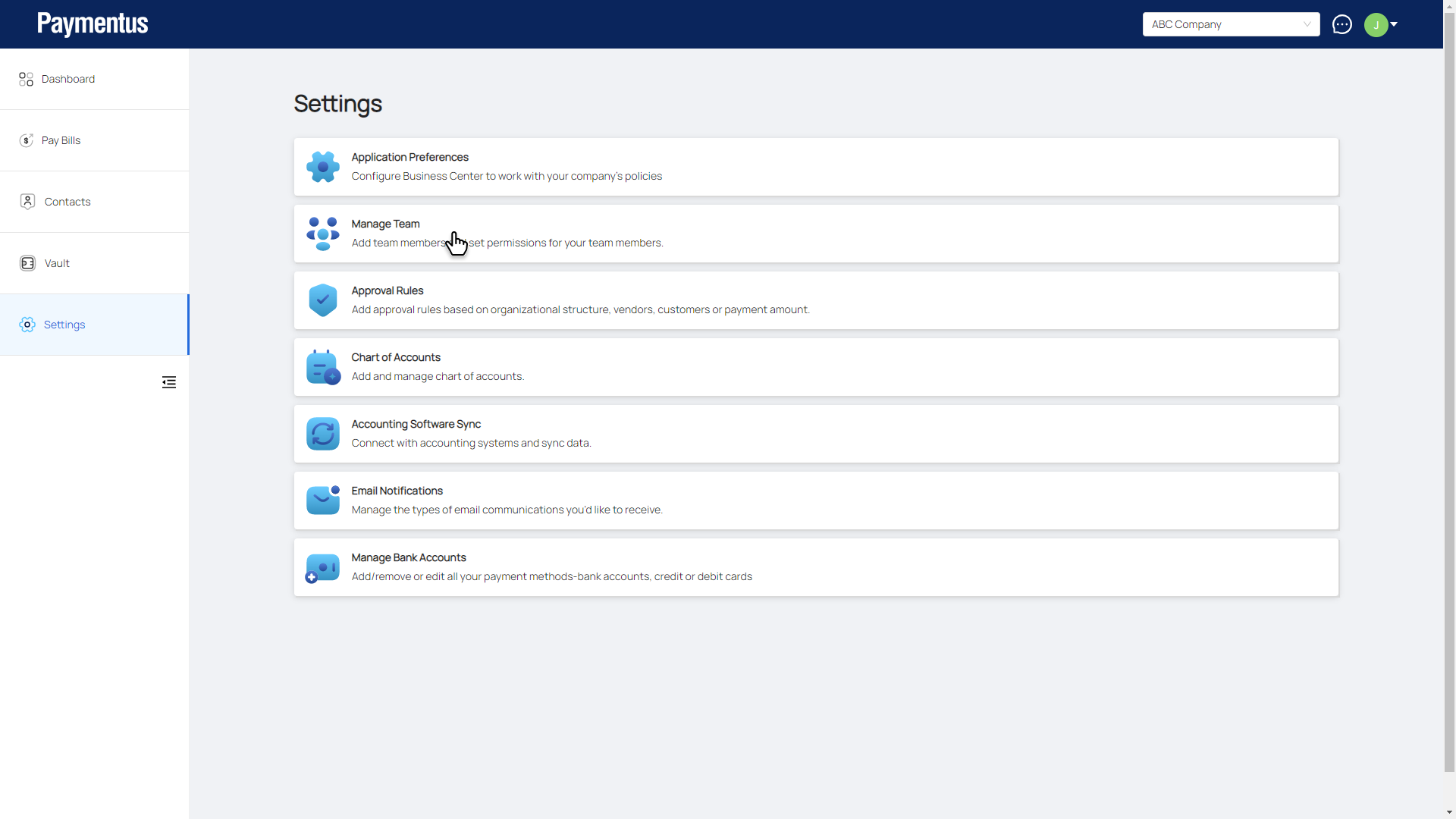
- Click on Manage Team.
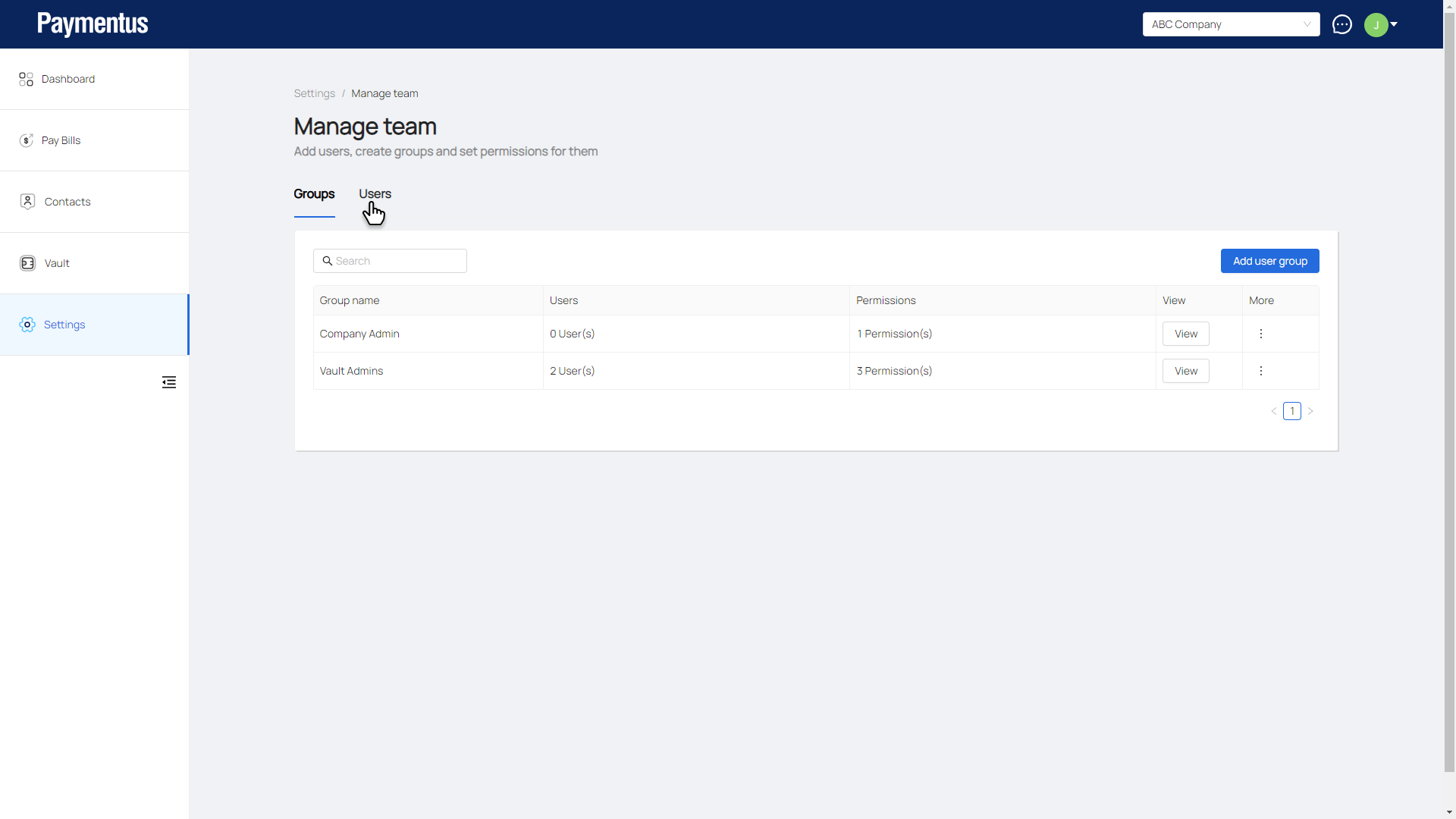
- Click on Users tab.
- Click on Add user.
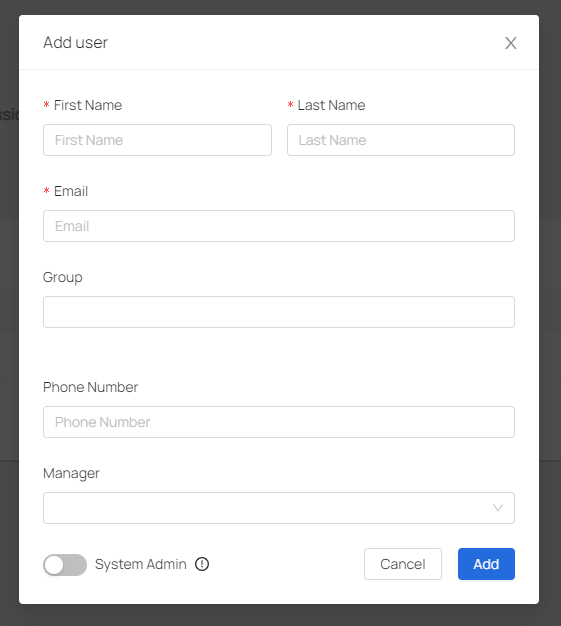
- On the Add user modal.
- Enter a First Name, Last Name, and an Email.
- Select the Group you want this user to be in.
- Enter a Phone Number and a Manager.
- Toggle on if you want this user to be a system admin.
- Click Add.
- User created.
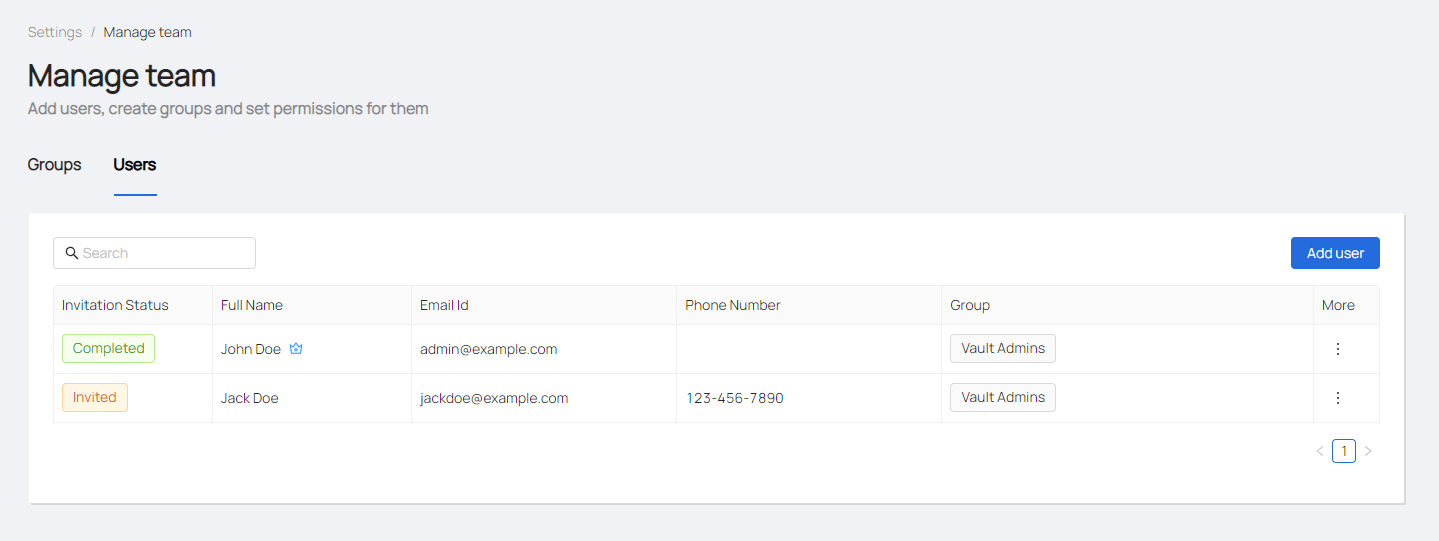
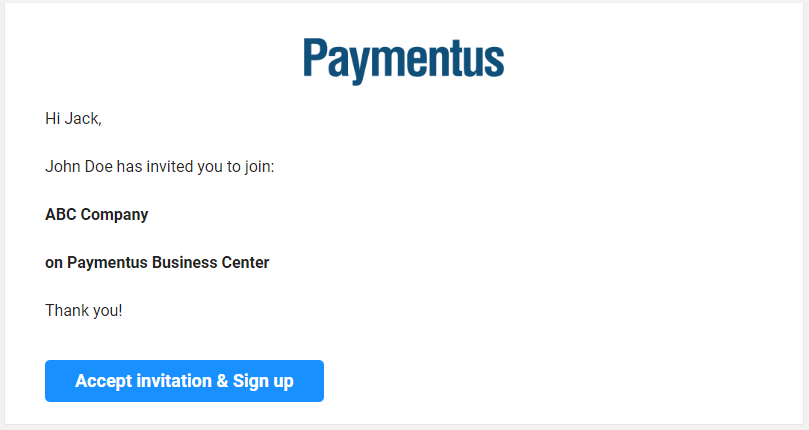
- An invite email will be sent to the user to sign up into the business center.