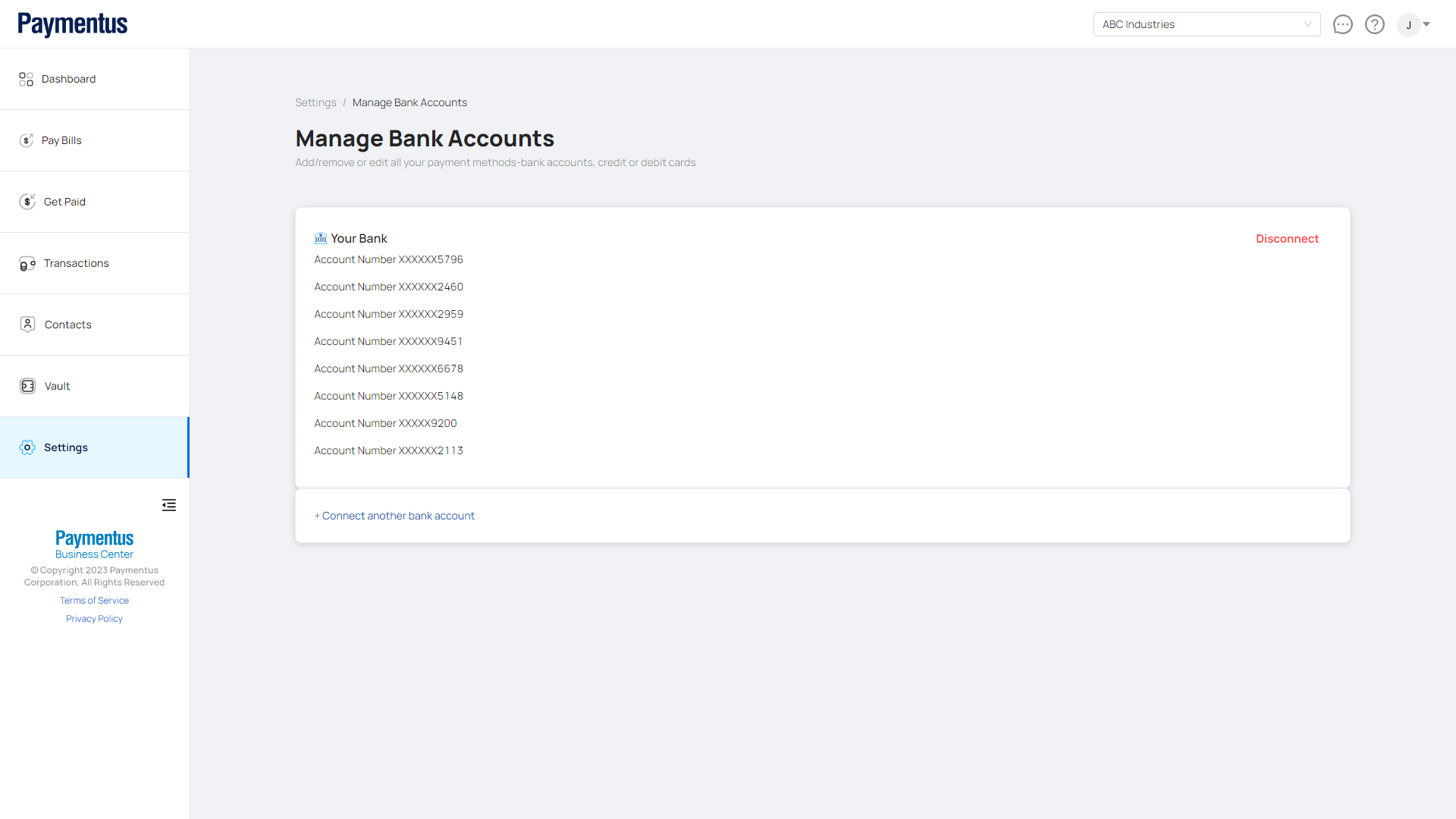
How do I connect to my bank?
To connect your bank account to the Business Center follow these steps:
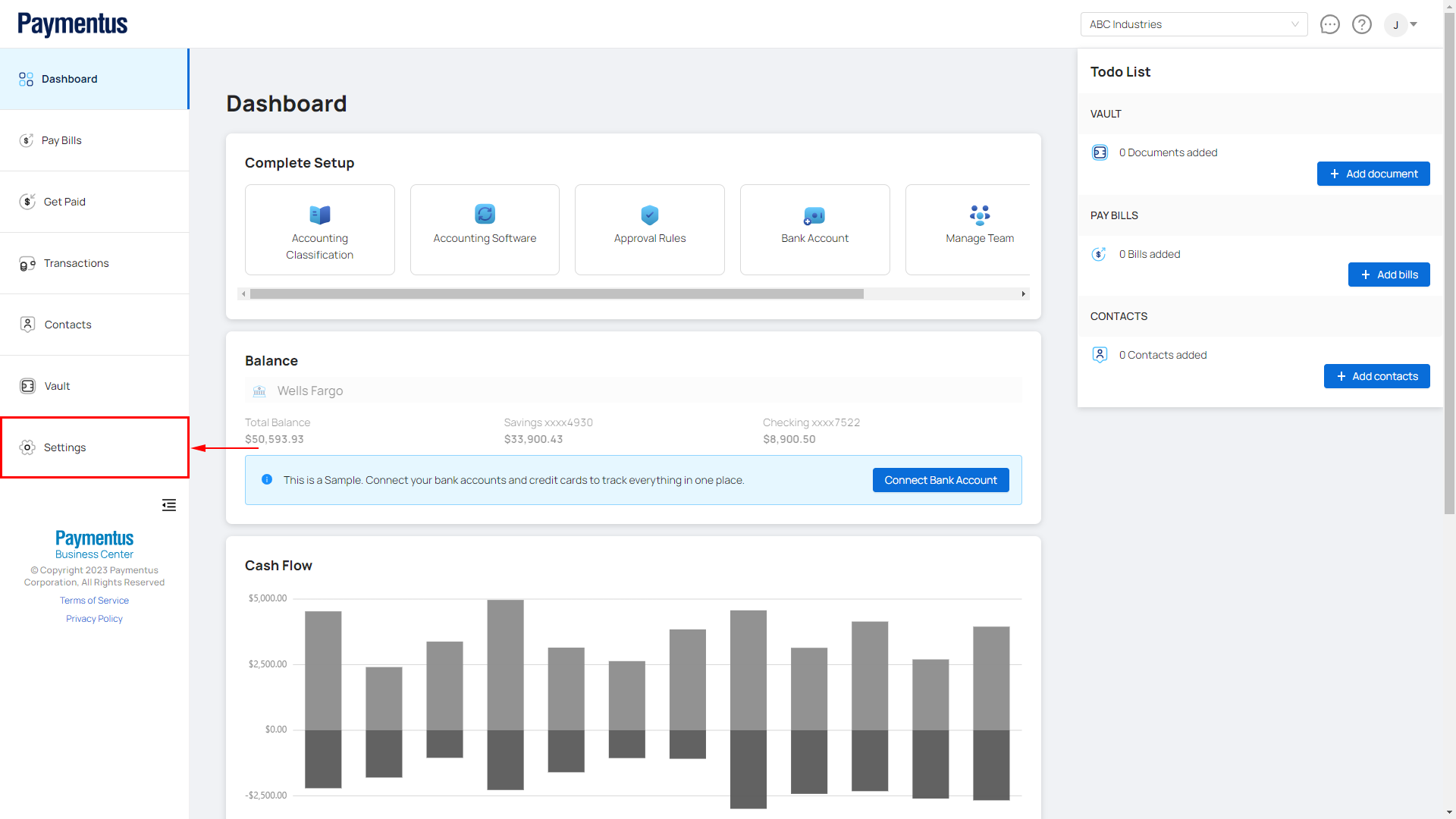
- Click on Settings.
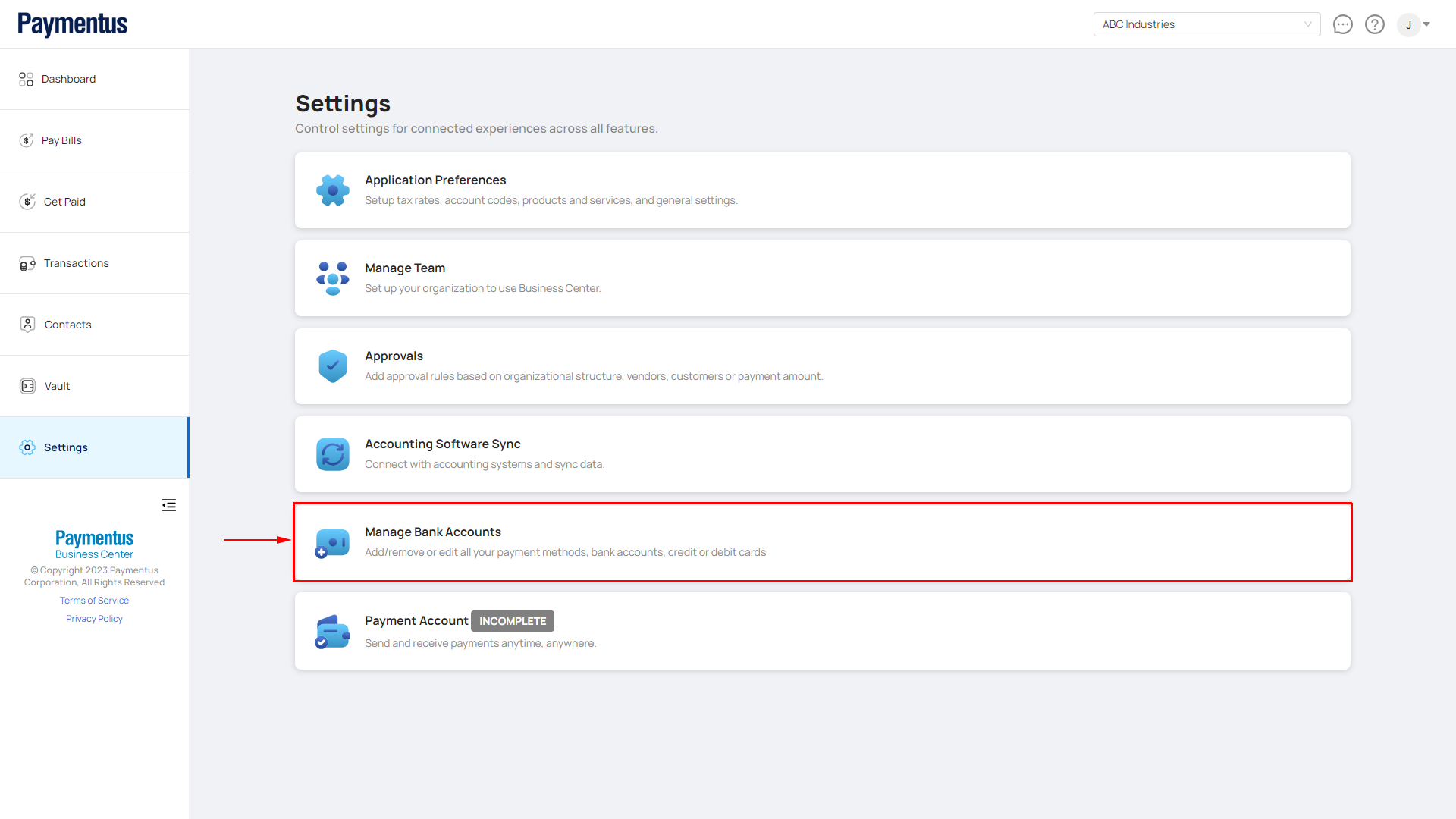
- Click on Manage Bank Accounts.
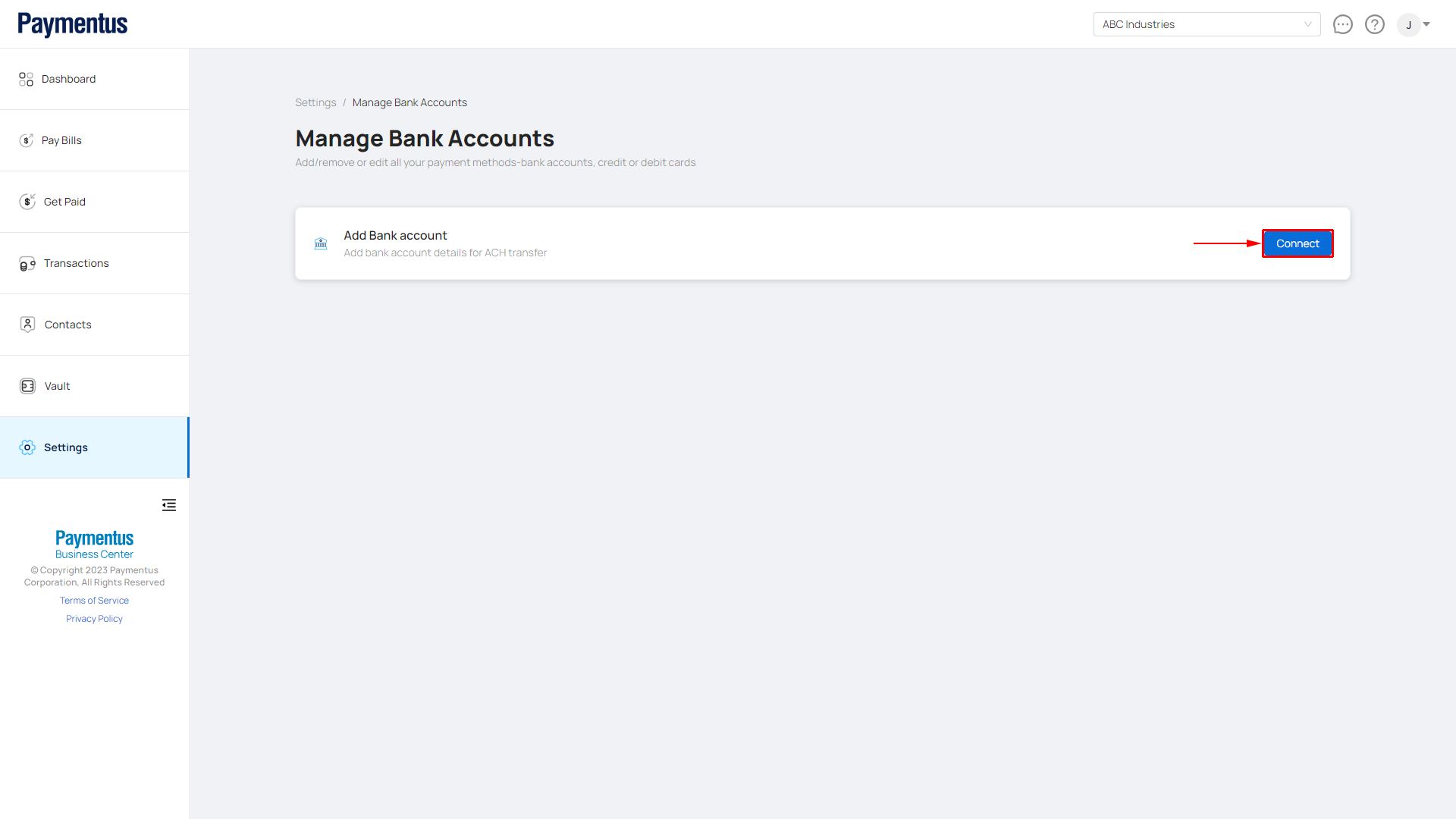
- Click on Connect.
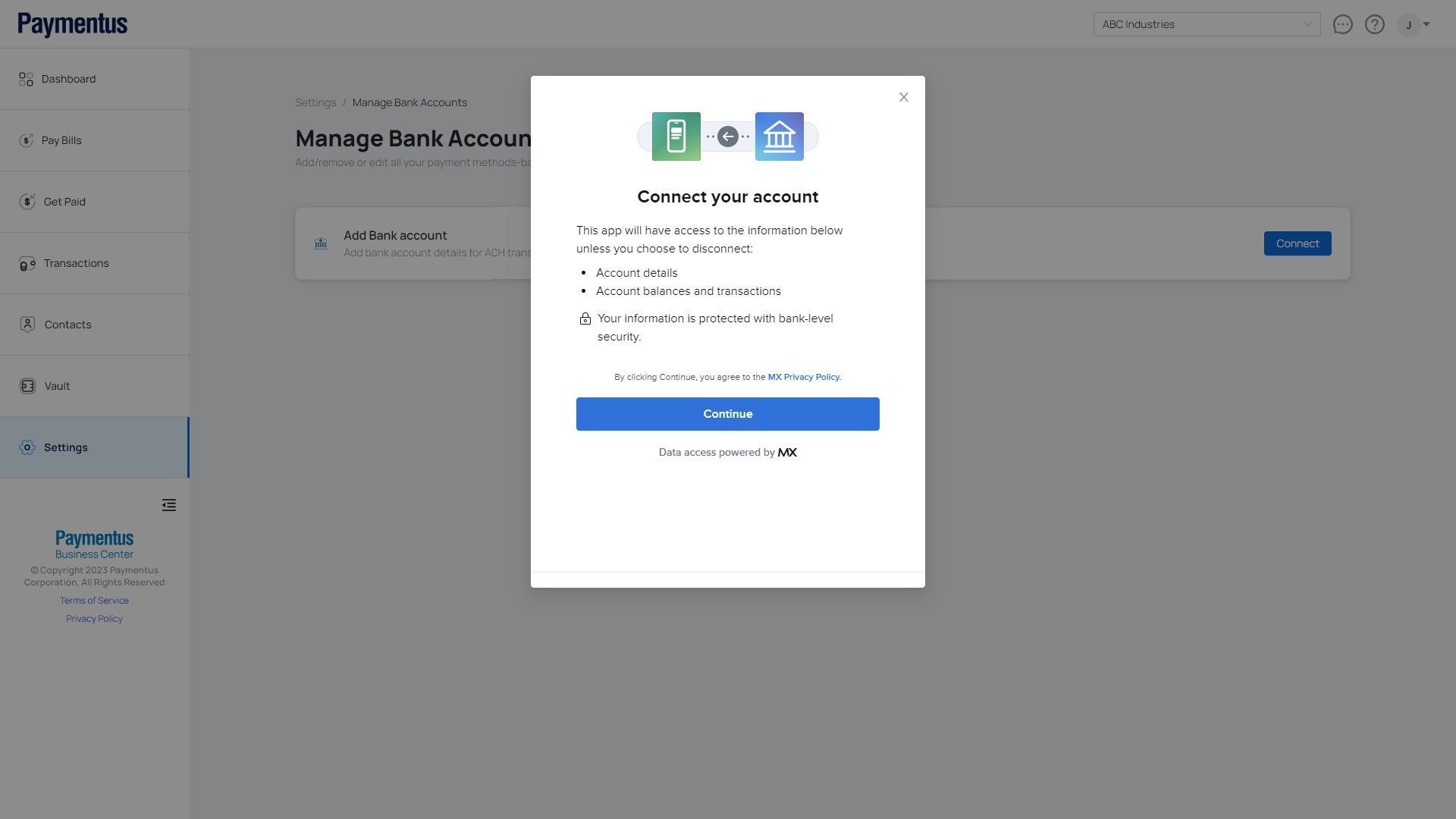
- A modal will appear prompting you if you wish to continue. Click on Continue.
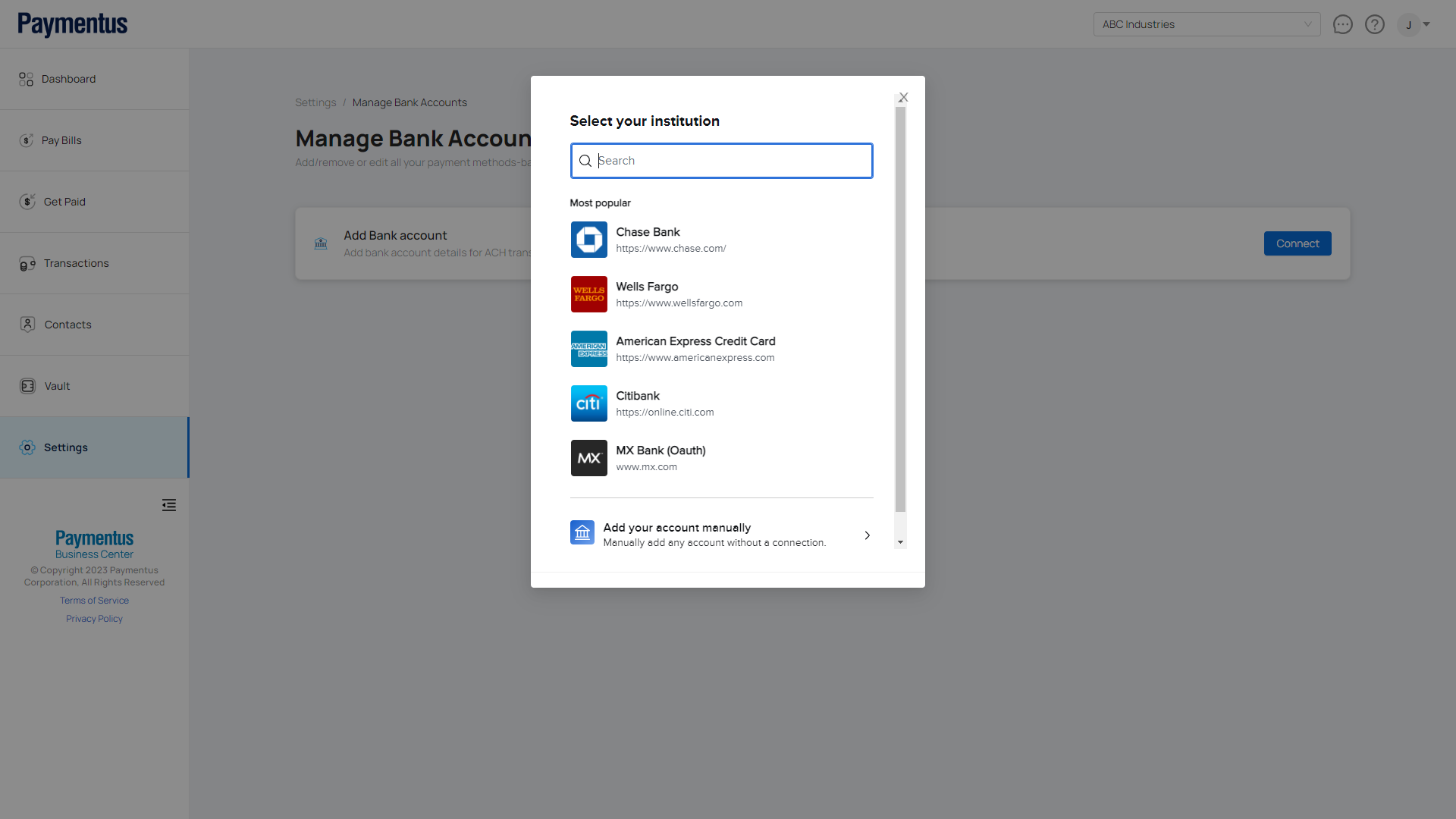
- Choose your Bank (Financial Institution).
- Provide your online banking credentials and click Connect.
Note: You need to have permission to connect your bank accounts.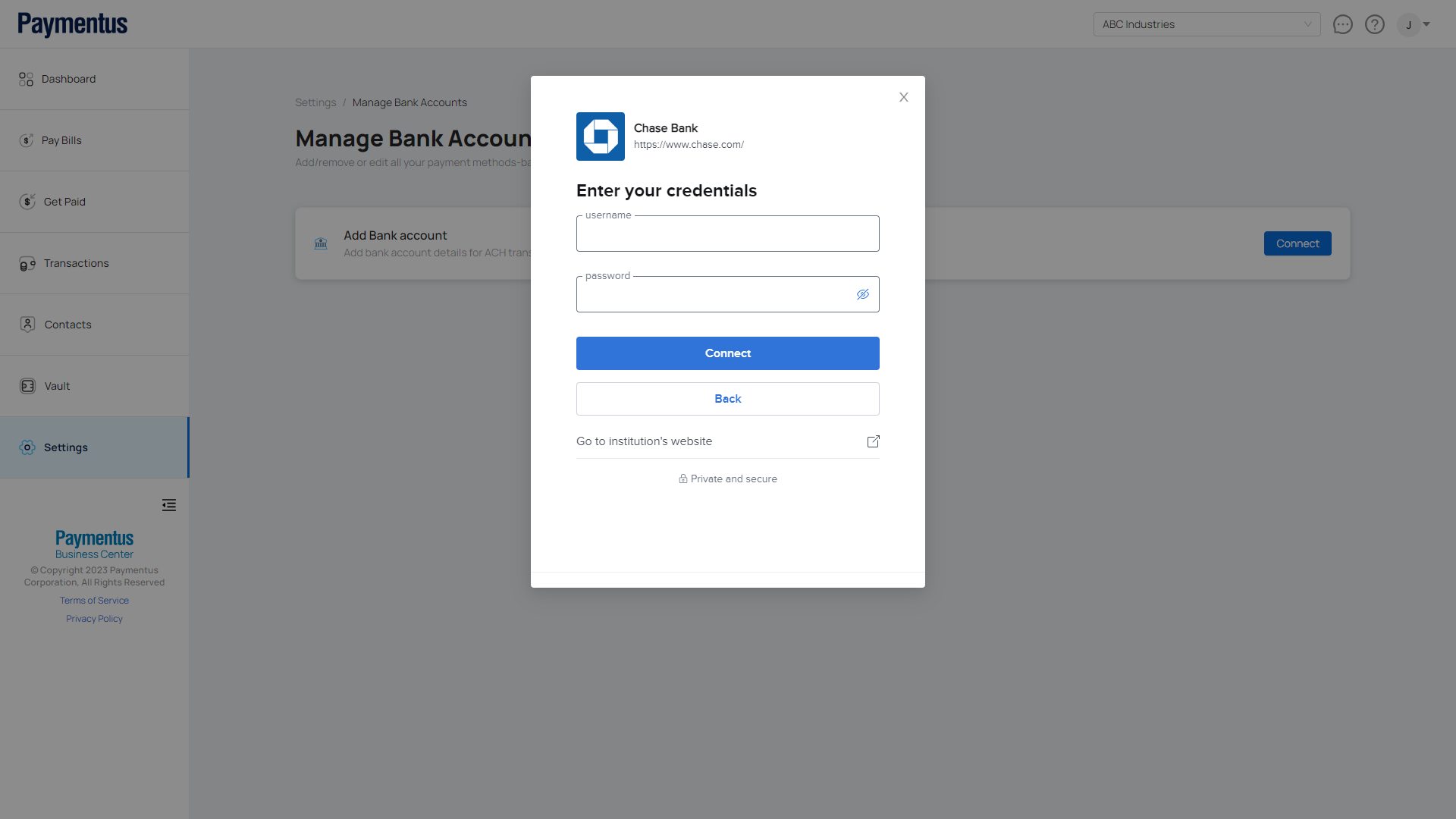
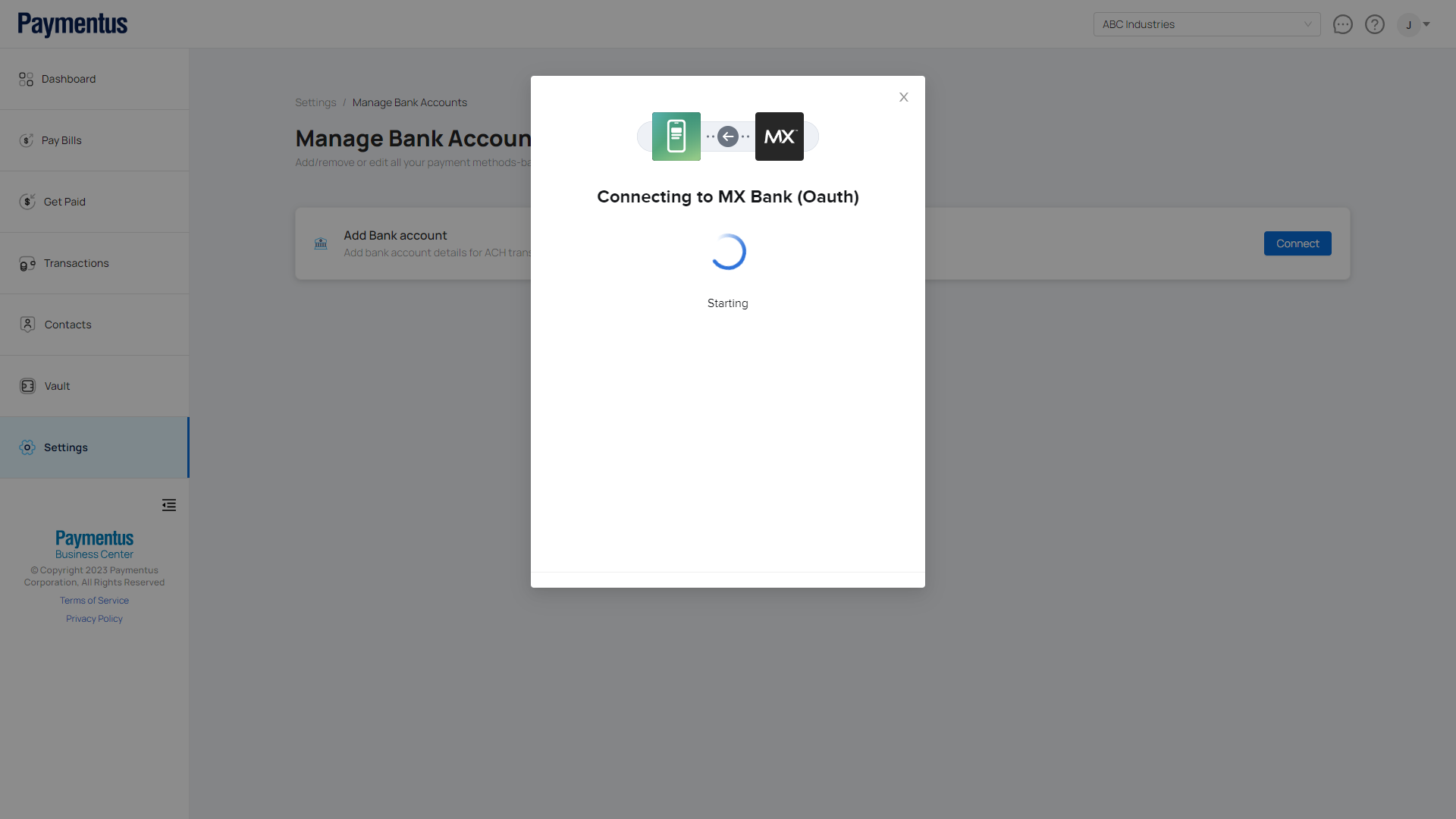
- Please wait until the Business Center successfully connects with your bank.
- After a successful connection, the page will be updated with your bank information.